 pray.rs
How pray.rs works
A walk through everything you can do: writing, sharing, praying for one another, and watching prayers become thanksgivings.
Write a prayer, or a thanksgiving
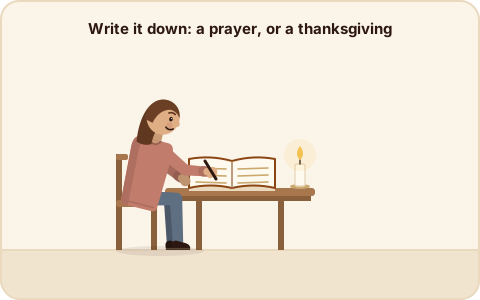
Tap + New, choose Prayer or Thanksgiving, and write it in your own words. Then choose who can see it:
- Private: only you. This is where most prayers live.
- A group: the people you pray with.
- Public: anyone on pray.rs, and the public prayers page here.
A book, not a feed
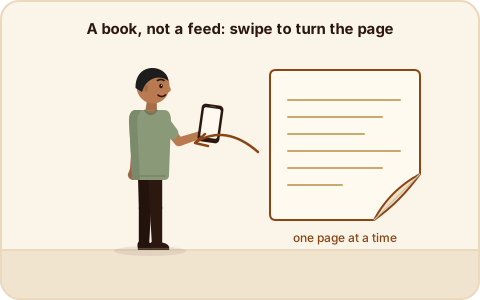
pray.rs shows one page at a time. Swipe, use the arrow keys, or tap ← → to turn the page. There is no infinite scroll and nothing is ranked. Choose whose pages you’re reading: Mine, Public, or one of your groups.
Start a group in real space
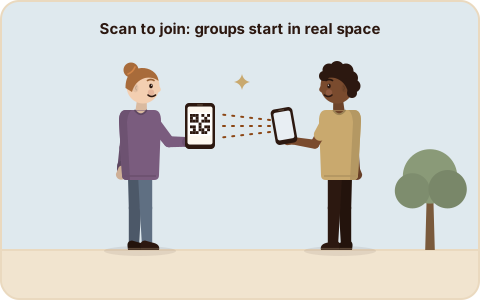
Groups work best with people you actually pray with. Create a group, open it, and show its QR code. Anyone who scans it with their phone joins, right there. You can also copy the join link, or make a new one if the old link has travelled too far.
Or invite by email or text

From a group, enter someone’s email address or phone number to send an invitation. They follow the link, sign in, and they’re in.
Share a prayer with your group

Under any of your own prayers, pick a group and tap Share. It moves into that group’s pages, where the others can read it and pray for it.
Praying now
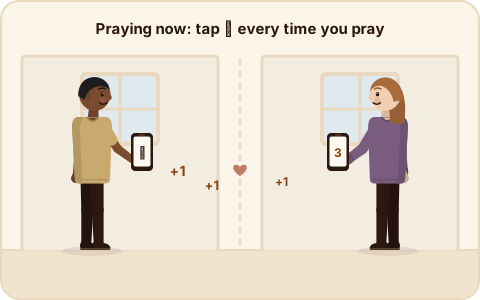
When you pray for someone’s prayer, tap 🙏 Praying now. Tap it every time you pray; every tap counts. The prayer shows its running tally (“12 prayers from 3 people”) so the person who asked knows they’re being carried. Anyone who can see a prayer can pray for it: its author, their group, or everyone, if it’s public.
When a prayer is answered
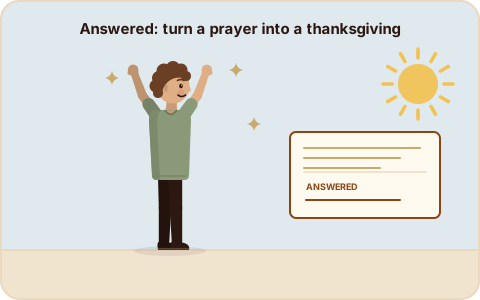
Tap Answered: give thanks and, if you like, write how it was answered. The prayer becomes a thanksgiving. Your original words are never changed: the answer is recorded after them, with its date, so the page reads as the whole story:
Prayed · June 3 … Answered · September 27: “Made it through.”
Release a prayer
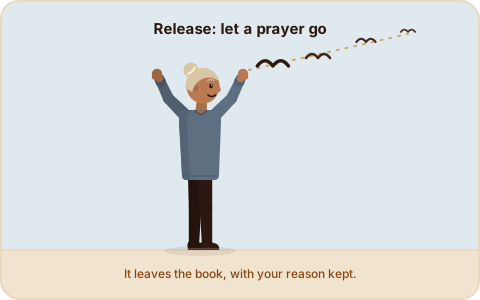
Some prayers are ready to be let go. Release takes a prayer or thanksgiving out of your book (and out of every group or public page), with an optional note about why.
Bring your own AI
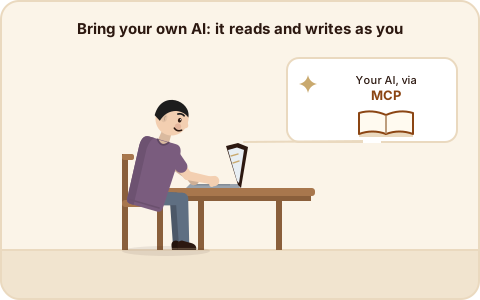
pray.rs has a built-in MCP server, so an AI assistant you already use (Claude, and other MCP clients) can read and write your prayer book, signed in as you and limited to what you allow. In Claude Code:
claude mcp add --transport http prayers https://pray.rs/mcp
Then run /mcp, choose prayers, and Authenticate. Your assistant can list and
write prayers, give thanks with a note, release, share with a group, and tap praying
now for you. This site uses the same server, signed out, to collect the
public prayers.
Your data stays yours
- Log out (Settings) signs you out and clears this device’s copy of the app.
- Delete my data removes your account and everything you’ve written.
- The privacy policy says what’s kept and why.